Linux Lite and Linux Mint are the two names that come up first for a beginner-friendly Linux distro for an old PC. Both are free, based on Ubuntu LTS, and made for people switching from Windows.
Which should you install? There is no single winner: Lite is lighter and simpler, built to revive very old hardware; Mint is the more polished all-rounder, and its Cinnamon desktop is the prettier of the two.
The Short Answer
Very old PC, 2 to 4 GB of RAM, or struggling with Windows 10? Pick Linux Lite: lighter, with guided Lite tools, designed from day one to revive old machines.
With 4 GB of RAM or more, pick Linux Mint for the most polished desktop and biggest community. Its Cinnamon edition looks better, and its Software and Update Managers are the best in this class. Mint Xfce is the tie-breaker if you cannot decide.
At a Glance: Linux Lite vs Linux Mint
| Linux Lite 8.2 | Linux Mint 22.3 | |
|---|---|---|
| Based on | Ubuntu 26.04.1 LTS | Ubuntu 24.04 LTS |
| Desktop | Xfce 4.20 | Cinnamon 6.6 (MATE, Xfce editions available) |
| Kernel | Linux 7.3 | Linux 6.14 |
| Minimum RAM | 4 GB | 2 GB |
| Recommended RAM | 4 GB | 4 GB |
| Minimum storage | 40 GB | 20 GB |
| ISO size | About 2.4 GB | About 2.9 GB |
| Snap / Flatpak | Neither (DEB only) | Snap disabled; Flatpak supported |
| Secure Boot | Not supported | Supported |
Desktop: Xfce vs Cinnamon
Linux Lite's Xfce Desktop
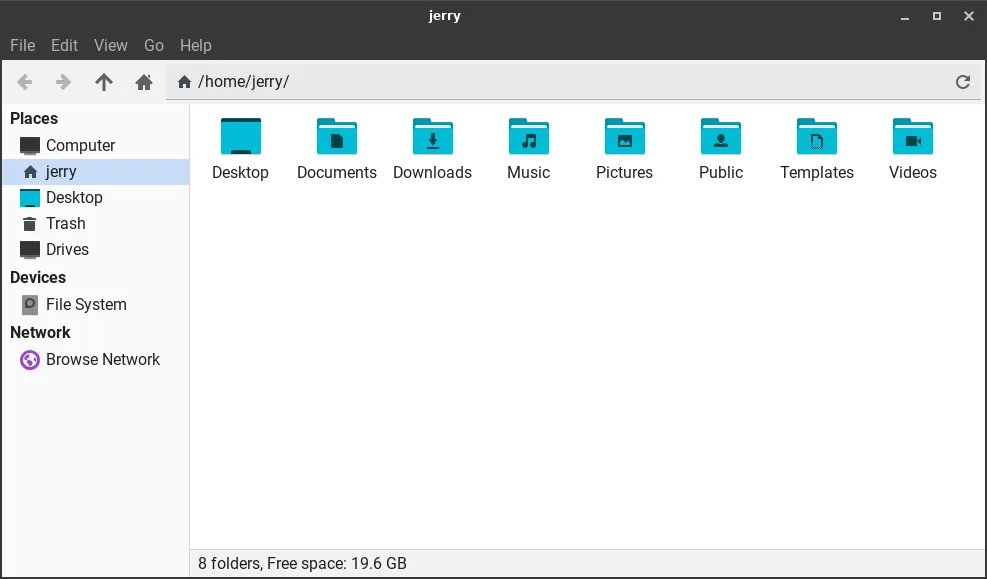
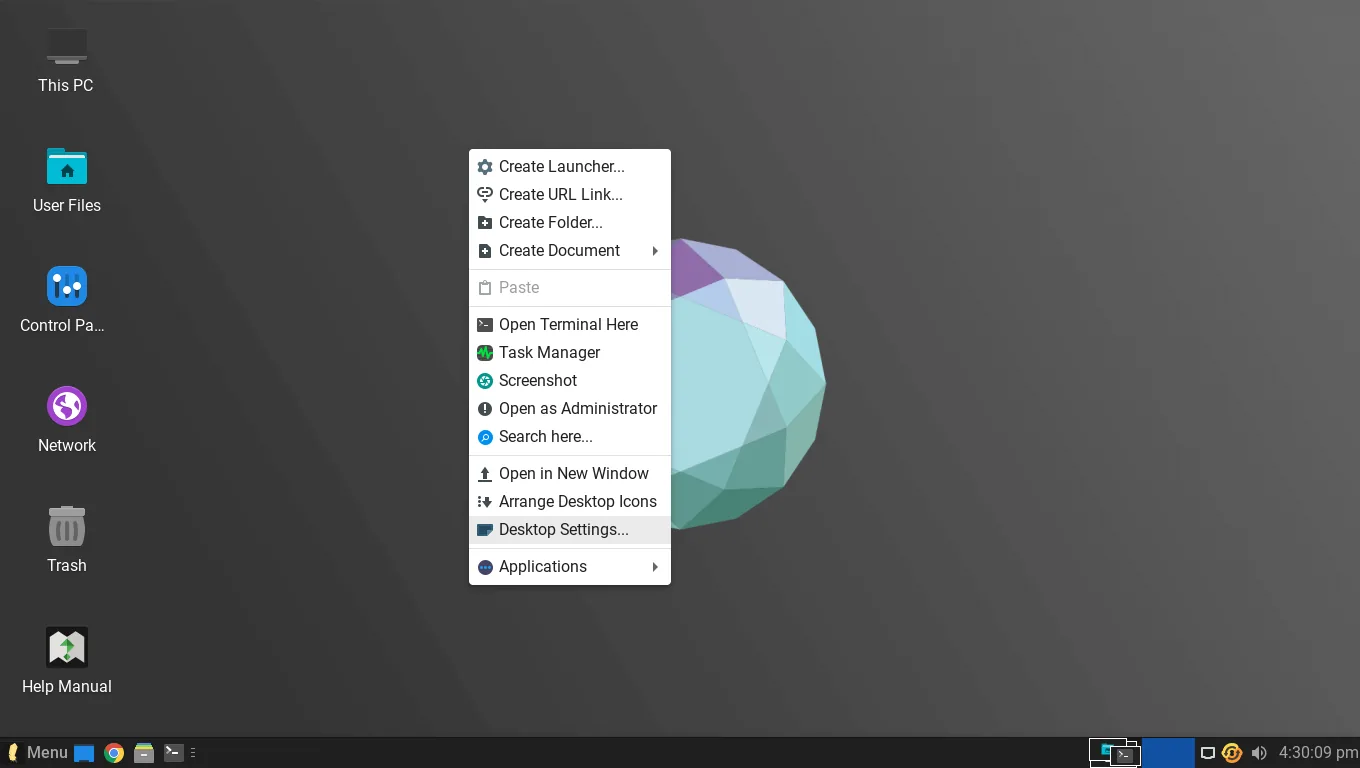
Lite uses Xfce 4.20, with Papirus icons, the Roboto font and a clean theme. The layout is close to Windows: bottom taskbar, start menu, desktop icons, system tray.
This Xfce desktop is what you see from the first boot.
Xfce is light, fast and easy to customise, and it leaves memory and CPU free for your applications.
Linux Mint's Cinnamon Desktop
Mint's flagship uses Cinnamon, built by the Mint team itself: smoother animations, a smarter start menu, richer settings, and a modern look reviewers praise.
That polish costs resources: Cinnamon wants 4 GB of RAM or more, but on a strong machine it is the nicer desktop to live with.
Linux Mint Xfce Edition: The Closest Match
Mint also ships MATE and Xfce editions; the Xfce edition is the fairest comparison, since both run the same desktop family on the same Ubuntu base.
Mint Xfce is lighter than Cinnamon and close to Lite in everyday feel — but Lite still wins on the very oldest hardware, where its whole system is tuned for low-end machines.
System Requirements and RAM Usage
Lite needs a 1.5 GHz dual-core processor, 4 GB of RAM and 40 GB of storage; 2 GB runs it in a pinch, but 4 GB makes multitasking comfortable.
Those are the Linux Lite system requirements, and in use it stays light where Mint Cinnamon climbs higher.
Mint's minimums are lower on paper — 2 GB of RAM and 20 GB of disk — but it recommends 4 GB and 100 GB for comfortable use. Treat 4 GB as the real floor for Cinnamon.
In testing, Lite 8.0 idled at about 650 MB of RAM on a 2014 laptop, Mint Cinnamon at roughly 650 to 750 MB, and Mint Xfce at around 500 MB. Lite and Mint Xfce are close; Cinnamon sits a little higher.
The real gap shows under load: Lite keeps an old dual-core responsive with a browser open, while Cinnamon's effects are only felt on weak hardware.
Performance on Old PCs
This is where Lite earns its name: on decade-old laptops it boots fast and feels responsive where Windows 10 crawled — one guide found Lite 7.8 remarkably responsive on a 10-year-old laptop.
The Everyday Linux User reviews of Lite 2.6 and 3.0 judged it as good as Mint for old hardware — a verdict that has held up. For a 2009–2012 machine with 2 to 4 GB of RAM, Lite is the better bet.
Software: Stores, Snap and Flatpak
Lite uses Lite Software, its own app store, with DEB packages only in Series 8.x — no Snap, no Flatpak. Apps start fast, but some newer apps published only as Flatpak or Snap are unavailable.
Mint's Software Manager is one of the best app stores in Linux, with reviews, screenshots and Flatpak built in. Mint disables Snap by default, but Flatpak works out of the box — Ubuntu's repositories plus Flathub, and the newest versions of fast-moving apps.
Updates and System Tools
Both distros make updates easy, and both ship Timeshift for system snapshots. The difference is in the helper tools around them.
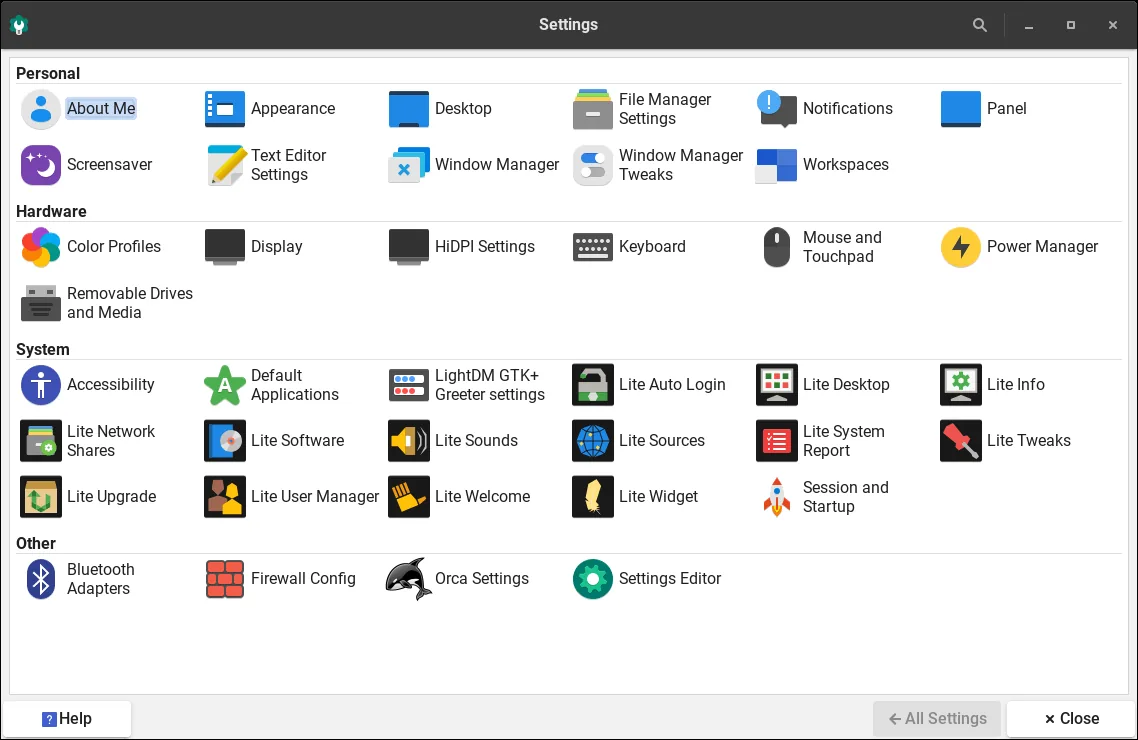
Lite's tools are its signature feature: Lite Welcome guides first-run setup, Lite Updates patches without the terminal, Lite Tweaks cleans caches in one click, Lite Kernel Manager switches kernels, and Lite Game Center installs Steam, Lutris, Proton and Wine in one click; MyAI, a local AI assistant, is included and removable.
Mint's tools are fewer but more polished. Update Manager grades updates by safety level, Driver Manager handles proprietary drivers, and System Reports flags problems. Mint's team also built Timeshift itself, plus extras like Warpinator for local file sharing.
Installation and Secure Boot
Both install in under 20 minutes from a live USB, and both let you try before installing. Lite 8.x uses Calamares, Mint the Ubuntu installer; both offer erase-disk, alongside, and manual partitioning.
One difference matters: Secure Boot. Lite does not support it, so you must switch it off in the BIOS before installing. Mint supports it, making Mint the easier install on a newer machine, especially a laptop that came with Windows 11.
Look and Feel: Polish vs Lightness
Starwind Software's Lite 7.8 guide puts it plainly: Mint is easy to use with Cinnamon, Lite is lighter and better for very old PCs, but Mint has more polish.
Mint forum users agree: Lite is lighter than Mint Xfce, while Mint Xfce is more complete and polished — Lite trades polish for speed, Mint lightness for a more finished feel.
Community and Support
Mint has the bigger community: one of the world's most popular desktop distros, with large active forums and extensive documentation.
Lite's community is smaller but famously friendly: forums viewed over 91 million times, the creator active in them, a built-in Help Manual, and Discord.
Pros and Cons
Linux Lite Pros and Cons
Pros: lighter on very old hardware; guided Lite tools; familiar Windows-like Xfce desktop; full app set out of the box; gaming kernel and Game Center; in-place upgrades from 7.x to 8.x.
Cons: needs 4 GB of RAM for comfort; Secure Boot must be disabled before installing; no official ARM version; no Snap or Flatpak in Series 8.x.
Linux Mint Pros and Cons
Pros: the most polished desktop (Cinnamon); excellent Software Manager with Flatpak; best-in-class Update Manager; Timeshift built in; supports Secure Boot; huge community; three editions.
Cons: Cinnamon is heavier and wants 4 GB of RAM or more; no gaming centre or gaming kernel; fewer guided tools for beginners; slower release cycle.
Who Should Pick Which?
Pick Linux Lite if: your PC is from 2009 to 2014, has 2 to 4 GB of RAM, or struggles with Windows 10; or you want its gaming kernel and Game Center.
Pick Linux Mint Cinnamon if: your PC has 4 GB of RAM or more; you want the most polished desktop, Flatpak support and the best update manager; or your machine is newer with Secure Boot on.
Pick Linux Mint Xfce if: you like Mint's tools but your machine is older or weaker. Still undecided? Try both from a live USB — feel matters more than any table.
FAQs
Is Linux Lite lighter than Linux Mint?
Yes, on very old hardware: Lite 8.0 idles at about 650 MB of RAM, Mint Cinnamon at 650 to 750 MB, Mint Xfce at around 500 MB. Lite's real advantage is under load on a weak processor.
Which is better for beginners, Linux Lite or Linux Mint?
Both. Lite is gentler on old hardware; Mint is the more polished everyday experience.
Can Linux Lite run on 2 GB of RAM?
Yes, but it feels tight with a second application open. Lite's minimum is 4 GB; Mint's is 2 GB, though it also recommends 4 GB.
Does Linux Lite support Secure Boot?
No — disable it in the BIOS before installing Lite. Mint supports Secure Boot and installs with it switched on.
Does Linux Mint have Snap or Flatpak?
Mint disables Snap by default and supports Flatpak out of the box. Lite 8.x ships neither — DEB packages only.
Which one should I install on a 10-year-old laptop?
Linux Lite — a decade-old laptop with 2 to 4 GB of RAM is exactly the machine Lite was built for. With 4 GB of RAM and an SSD, Mint Xfce is also strong.
Conclusion
Lite vs Mint is not a fight with one winner — the right answer depends on your machine.
Linux Lite wins on very old hardware: lighter under load, with Lite tools guiding beginners. If your computer is struggling, Lite will make it feel new again.
Linux Mint wins as the everyday desktop: a more polished Cinnamon, the best Software and Update Managers, a bigger community, and clean installs on newer machines with Secure Boot on. With memory to spare, Mint is the more comfortable home.
Try both from a USB stick — download from the official Linux Lite site or the official Linux Mint site — and let your own hardware decide.