Every lightweight Linux distro promises the same thing: to keep an old computer useful. Linux Lite is one of the best-known names in that race, but Peppermint, Xubuntu, Zorin OS Lite and Puppy Linux all chase the same machines. This guide compares Linux Lite 8.2 against all four, and ends with a summary table and a verdict for each kind of machine.
Each section below puts Linux Lite side by side with one rival.
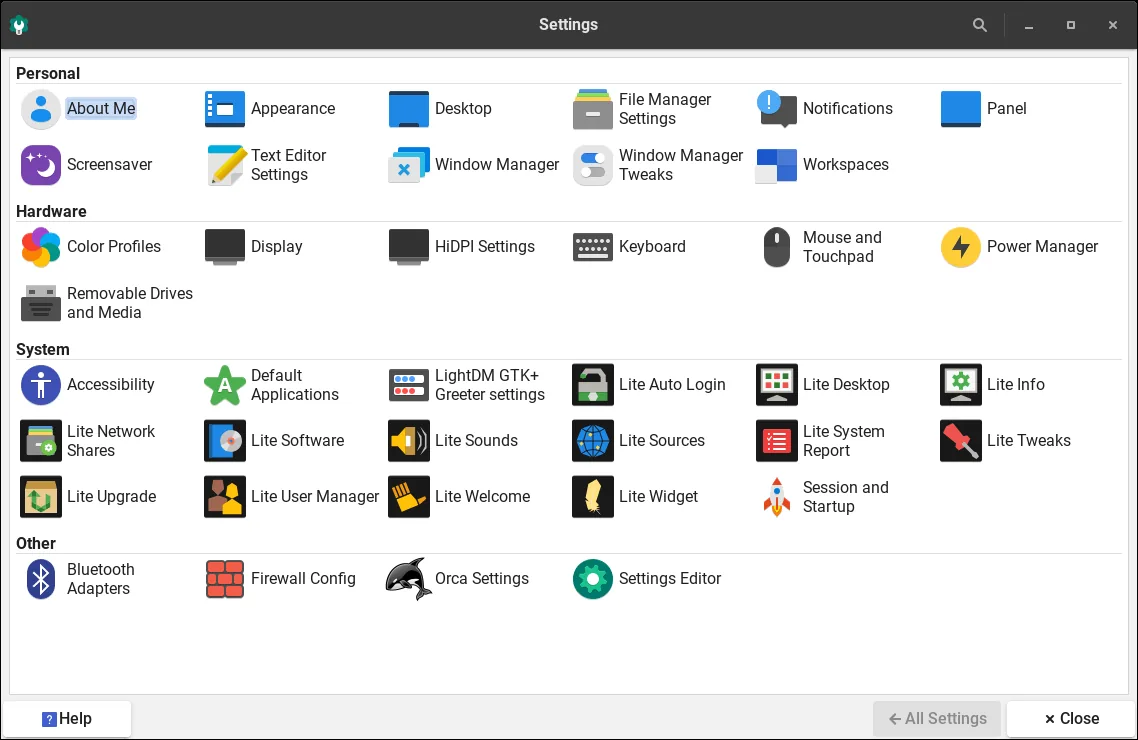
Linux Lite facts here are for version 8.2 Final (31 October 2026): Ubuntu 26.04.1 LTS base, Xfce 4.20 desktop, Linux 7.3 kernel, 2.4 GB ISO. Official minimums: 1.5 GHz dual-core processor, 4 GB of RAM, 40 GB of storage. It is 64-bit only, does not support Secure Boot, installs with Calamares, and ships DEB packages only, with no Snap or Flatpak. Firefox is the default browser, with the Lite tools and local MyAI assistant included.
Linux Lite vs Peppermint
Peppermint takes the most different approach: Linux Lite is a complete, familiar desktop, while Peppermint is a fast, quiet base for the web.
Desktop
Both use Xfce. Peppermint mixes in LXQt parts for a more modern look, while Linux Lite keeps a pure Xfce layout close to Windows. Peppermint's ICE tool turns websites into desktop shortcuts; Linux Lite ships a full set of apps instead, including LibreOffice, Thunderbird, GIMP and VLC.
Base
Linux Lite is built on Ubuntu LTS, with huge repositories and long support. Peppermint is built on Debian and Devuan: leaner, but with a smaller software world and slower updates. Linux Lite is easier when you want a particular app quickly.
RAM Needs
Peppermint is lighter: 1 GB of RAM minimum with 10 GB of storage, idling at roughly 350 to 450 MB. Linux Lite asks for 4 GB for comfort and idles at about 650 MB. That gap buys a fuller desktop, more apps, and the Lite tools.
Best For
Choose Peppermint if your computer lives in the browser. Choose Linux Lite if you want a complete desktop that works the moment it boots.
Linux Lite vs Xubuntu
Xubuntu is the closest comparison here: both share the same desktop, and the difference is what sits behind it.
Desktop
Both use Xfce and feel fast on old hardware. Xubuntu is the official Ubuntu flavour, so its desktop is close to plain Xfce. Linux Lite shapes the same desktop toward Windows users. Xubuntu looks plainer; Linux Lite looks more finished.
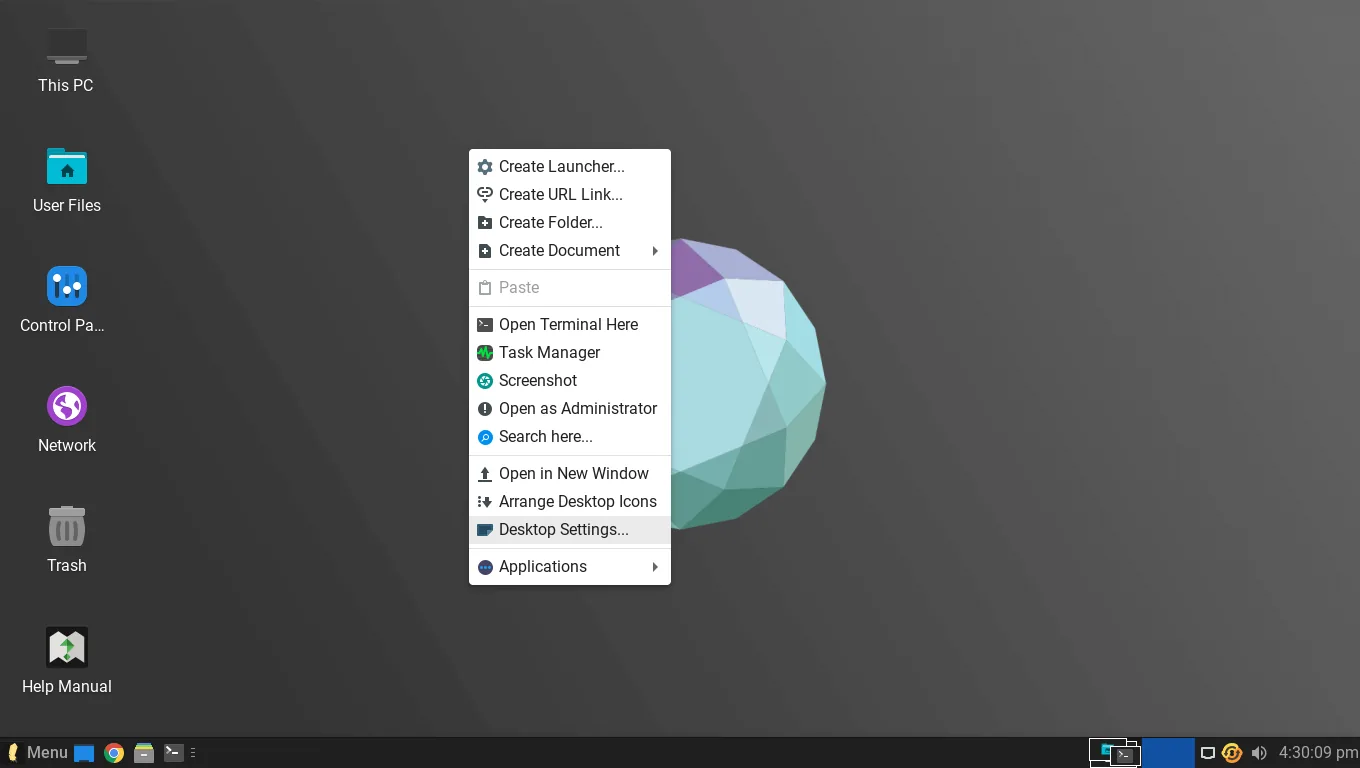
Linux Lite sets up Xfce the way Windows users expect: taskbar, start menu and system tray, with Papirus icons on top.
Base
Both are built on Ubuntu, sharing the same repositories and long-term support. The difference is the layer on top: Xubuntu adds very little beyond Xfce, while Linux Lite adds Lite Welcome, Lite Software, Lite Updates, Lite Tweaks, Lite Kernel Manager and Lite Game Center.
RAM Needs
Xubuntu needs 1 GB of RAM and 8 GB of storage, and is comfortable on 2 GB machines. Linux Lite asks for 4 GB and 40 GB, idling at about 650 MB. The gap matters most on a 2 GB netbook; above 4 GB, the tools decide.
Best For
Choose Xubuntu for the plainest Ubuntu with Xfce. Choose Linux Lite for the same desktop with more help built in: the Lite tools, the Welcome checklist and more pre-installed apps.
Linux Lite vs Zorin OS Lite
Zorin OS Lite cares most about looks: it tries hardest to make a Windows user feel at home.
Desktop
Zorin OS Lite uses Xfce 4.20, the same version as Linux Lite 8.2, but dresses it differently. Its Appearance tool switches the layout to look like Windows 7, Windows 11 or macOS, and it bundles WINE and PlayOnLinux, so some Windows programs run on it. Linux Lite has no such layer.
Base
Both are built on Ubuntu LTS. Zorin OS Lite 18.1 uses Ubuntu 24.04 LTS, supported until June 2029. Linux Lite 8.2 uses the newer Ubuntu 26.04.1 LTS. Zorin has announced Lite will not continue past the 18 series.
RAM Needs
Zorin OS Lite is comfortable on 2 GB machines. It sits between Xubuntu and Linux Lite on weight: lighter than Zorin Core, but heavier than the lightest rivals, because its polished desktop costs memory. Linux Lite needs 4 GB.
Best For
Choose Zorin OS Lite if the look matters most, especially when moving from Windows. Choose Linux Lite for more built-in helpers and a longer future.
Linux Lite vs Puppy Linux
Puppy Linux is not the same kind of system as the other three: the lightest here by a wide margin, with the biggest trade-offs.
Desktop
Puppy uses the JWM window manager, a tiny desktop that looks simple and dated next to Xfce, with no polished start menu or welcome app. Instead you get speed: Puppy runs entirely from RAM and boots in under a minute on twenty-year-old hardware.
Base
Puppy is a family of small builds, not one system. BookwormPup 10.0 is based on Debian 12; other builds use Ubuntu or Slackware packages. Linux Lite's Ubuntu LTS base gives it a far larger software world, with thousands of apps and years of security updates.
RAM Needs
Puppy wins outright. It needs about 256 MB of RAM, runs on a 600 MHz processor, and its ISO is around 300 MB. It runs from a USB stick without installing, even with no hard drive. Linux Lite needs 4 GB of RAM and 40 GB of storage.
Best For
Choose Puppy if your machine has under 1 GB of RAM, or you need a system that boots from USB and leaves no trace. Choose Linux Lite for a real daily computer on 4 GB of RAM.
Summary Comparison Table
| Feature | Linux Lite 8.2 | Peppermint | Xubuntu | Zorin OS Lite 18.1 | Puppy Linux 10.0 |
|---|---|---|---|---|---|
| Base | Ubuntu 26.04.1 LTS | Debian / Devuan | Ubuntu | Ubuntu 24.04 LTS | Debian 12 |
| Desktop | Xfce 4.20 | Xfce + LXQt | Xfce | Xfce 4.20 | JWM |
| Minimum RAM | 4 GB | 1 GB | 1 GB | 2 GB | 256 MB |
| Idle RAM (approx.) | about 650 MB | 350–450 MB | about 500 MB | about 600 MB | under 300 MB |
| Storage needed | 40 GB | 10 GB | 8 GB | about 24 GB | under 1 GB |
| ISO size | 2.4 GB | about 1 GB | about 2 GB | about 2.5 GB | about 300 MB |
| Secure Boot | Not supported | Supported | Supported | Supported | N/A (live system) |
| Default browser | Firefox | Firefox | Firefox | Firefox | Lightweight browser |
| Standout feature | Lite tools + MyAI | ICE web-app tool | Plain official Xfce | Windows-like layouts | Runs entirely from RAM |
| Best for | First-time users, 4 GB PCs | Cloud and web work | Plain Ubuntu + Xfce fans | Windows switchers who want polish | PCs under 1 GB RAM |
Idle RAM figures are approximate; treat them as a guide, not a benchmark.
Verdict: Which Distro for Which Machine
There is no single winner: the rivals are built for different machines. Under 1 GB of RAM, take Puppy Linux — nothing else here will run on that little memory. At 1 to 2 GB, take Peppermint for browser work, or Xubuntu for a plain Ubuntu system. At 2 GB, Zorin OS Lite is the easiest landing for anyone leaving Windows, though Lite ends after the 18 series.
At 4 GB, Linux Lite is the best all-round pick: a familiar desktop, a full set of apps, the Lite tools, one-click gaming setup, and a local AI assistant.
FAQs
Is Linux Lite lighter than Xubuntu?
No. Xubuntu ships plain Xfce, idling near 500 MB, while Linux Lite 8.0 idles at about 650 MB. Linux Lite trades that memory for its Lite tools and fuller app set.
Which is better for a 2 GB RAM laptop, Linux Lite or Peppermint?
Peppermint. It needs 1 GB minimum and idles at roughly 350 to 450 MB. Linux Lite runs on 2 GB in a pinch, but feels tight with a second app open.
Is Zorin OS Lite better than Linux Lite for Windows users?
For looks, yes: its Appearance tool mimics Windows 7 or 11, and WINE runs some Windows programs. For helpers and support, Linux Lite is stronger.
Can Puppy Linux replace Linux Lite as a daily system?
Only on very old hardware. Puppy runs on 256 MB of RAM and boots from USB, but its small desktop and app selection make daily use harder.
Does Linux Lite support Secure Boot like Xubuntu and Zorin OS Lite?
No. Disable Secure Boot in the BIOS before installing Linux Lite. Xubuntu and Zorin OS Lite both support it.
Which lightweight distro is best for a beginner?
Linux Lite, for most beginners: the Welcome app, one-click Lite tools and a Windows-like desktop. Zorin OS Lite is runner-up.
Conclusion
Linux Lite is not the lightest distro here. Puppy runs on a fraction of the memory, Peppermint idles lower, Xubuntu is plainer, and Zorin Lite looks more like Windows. Each rival wins one contest; Linux Lite wins the whole package.
Check your memory first: under 1 GB, take Puppy; at 2 GB, take Peppermint or Zorin Lite; at 4 GB, take Linux Lite from the official Linux Lite site.