Linux Lite and Lubuntu are the two names that come up first whenever someone asks for a lightweight Linux distro for an old PC. Both are free, built on Ubuntu and aimed at old hardware, but they take different paths to get there, and the right choice depends on your machine and on you. This guide compares them head to head (desktop, requirements, performance, install, apps and verdict) using the figures from the four sites that published full comparisons in 2026.
Quick Answer
If your machine has 4 GB of RAM and you are new to Linux, choose Linux Lite. It is more complete, more guided, and easier to live with. If your machine has 2 GB of RAM or is from 2009 to 2011, choose Lubuntu. It is lighter, and on that hardware the lightness matters more than the extras.
That is the short version. The rest of this guide explains why.
Put simply, the choice comes down to how much RAM your machine has.
At a Glance
| Linux Lite 8.x | Lubuntu 26.04 LTS | |
|---|---|---|
| Base | Ubuntu 26.04 LTS | Ubuntu 26.04 LTS |
| Desktop | Xfce 4.20 | LXQt 2.3 |
| RAM recommended | 4 GB | 2 GB comfortable |
| Storage | 40 GB | 20 GB |
| ISO size | about 2.4 GB | about 2.7 GB |
| Installer | Calamares | Calamares |
| Default browser | Firefox (native) | Firefox (Snap) |
| Secure Boot | Not supported | Supported |
| Support until | Ubuntu LTS cycle | April 2029 |
The table comes from the comparison data in the FOSSLinux, LinuxForDevices and Techilu head-to-heads, and the figures match across all of them. Both systems share the same Ubuntu base and the same installer. Everything else is a choice.
Same Base, Different Desktop
Both distros are built on Ubuntu 26.04 LTS, which means they share the same drivers, the same software repositories and the same long-term security support. The difference is the desktop on top.
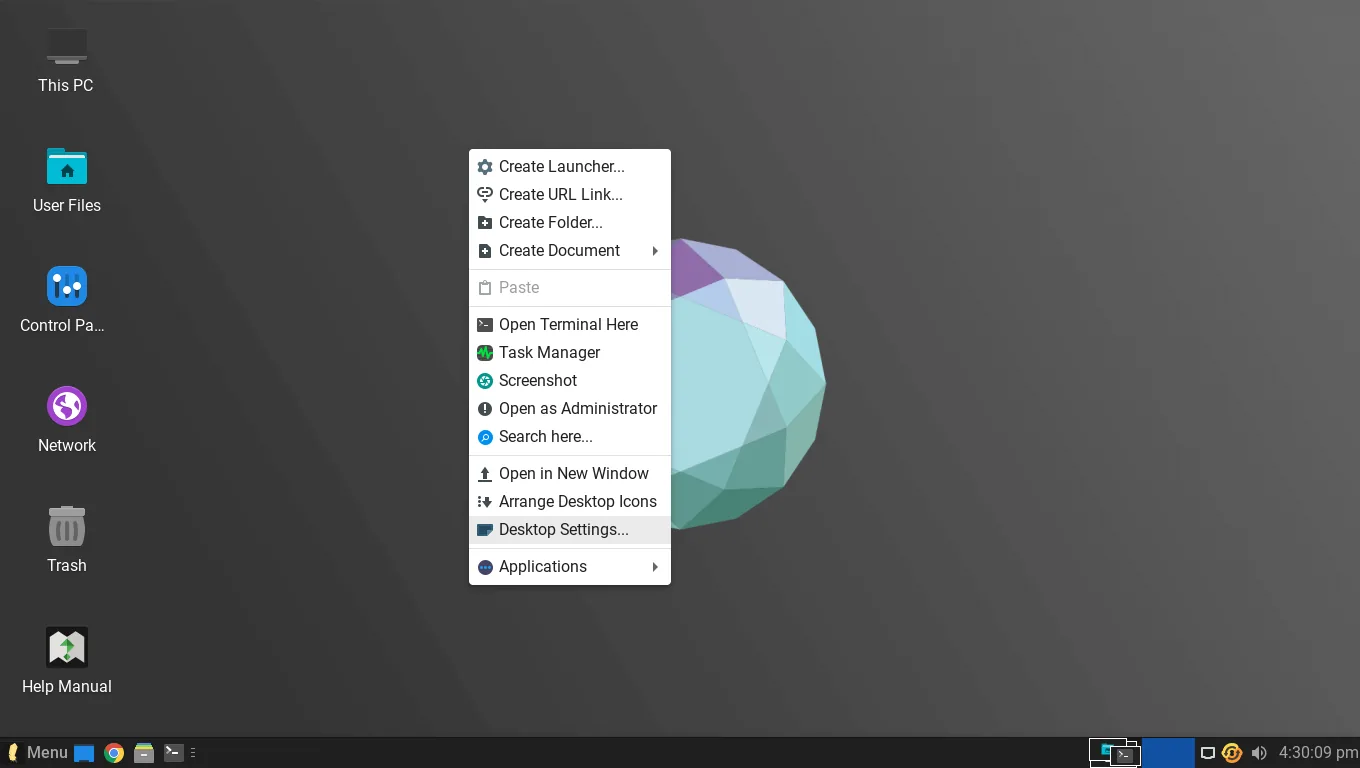
Linux Lite uses Xfce 4.20: a full desktop that looks close to Windows, with a bottom taskbar, a start menu and a system tray, dressed with Papirus icons and a clean theme. It is easy to make your own without editing configuration files.
That Xfce desktop is the main reason Linux Lite feels familiar from the first minute.
Lubuntu uses LXQt 2.3. It is lighter than Xfce but plainer and less polished, with settings spread out more. An experienced user will not mind; a beginner notices the difference in the first five minutes.
The desktop is the first thing you see and the thing you look at all day. It is also the main reason the two systems use different amounts of memory.
System Requirements Compared
Linux Lite asks for a 1.5 GHz dual-core processor, 4 GB of RAM and 40 GB of storage. Lubuntu is comfortable on 2 GB of RAM and 20 GB of storage.
That gap decides the choice for the weakest machines. A 2 GB netbook or a 2009 to 2011 laptop belongs with Lubuntu — Linux Lite will run on 2 GB, but it feels tight as soon as you open a second application. On a 4 GB laptop, the gap disappears. Linux Lite's extra memory use is invisible, and its extra features are not.
Both systems are 64-bit only, and both run on the same range of old hardware. The requirement that matters is RAM, and it is the only one where the two differ meaningfully.
Performance and RAM Usage
This is where the numbers are clearest. Lubuntu idles at around 480 MB of RAM. Linux Lite idles at roughly 600 to 650 MB — FOSSLinux measured around 600 MB on 8.0, and the project's own figures put it near 650 MB on a 2014 laptop.
The gap is about 150 MB, and it buys a fuller desktop, more applications, the Lite tools and a guided Welcome app. On a 4 GB machine, 150 MB is nothing. On a 2 GB machine, it is the difference between comfortable and tight.
Boot times are close on the same hardware, and both systems feel fast on an SSD.
Installation: Both Use Calamares
Both distros now use the Calamares installer, so the install experience is similar: boot from a USB stick, try the live session, click install, pick your language and disk layout, and wait under 20 minutes.
There is one real difference. Lubuntu supports Secure Boot, and Linux Lite does not. If you install Linux Lite, you must switch Secure Boot off in the firmware first, and leave it off. If you install Lubuntu, you can leave it on. For most home users that is a five-minute job, but it is a job, and it is the one install step where Lubuntu is easier.
Both install from a USB stick written with Rufus or Etcher, both offer a live session before installing, and both support dual-boot alongside Windows.
Applications and Software
Both ship Firefox as the default browser, but not the same Firefox. Linux Lite ships Firefox as a native DEB package. Lubuntu ships it as a Snap. The Snap version starts slower and carries its own runtime, which is one reason Lubuntu's lightness does not always show in daily use.
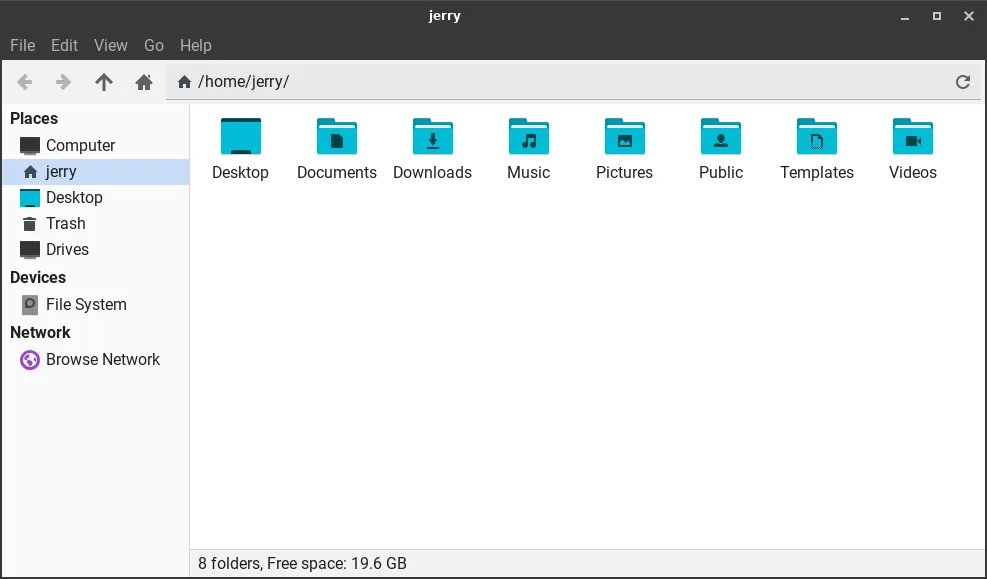
Both ship LibreOffice and draw the rest from the Ubuntu repositories. Linux Lite ships the full set — Firefox, Thunderbird, LibreOffice, VLC, GIMP, Thunar and Timeshift — while Lubuntu ships less and expects you to add what you need.
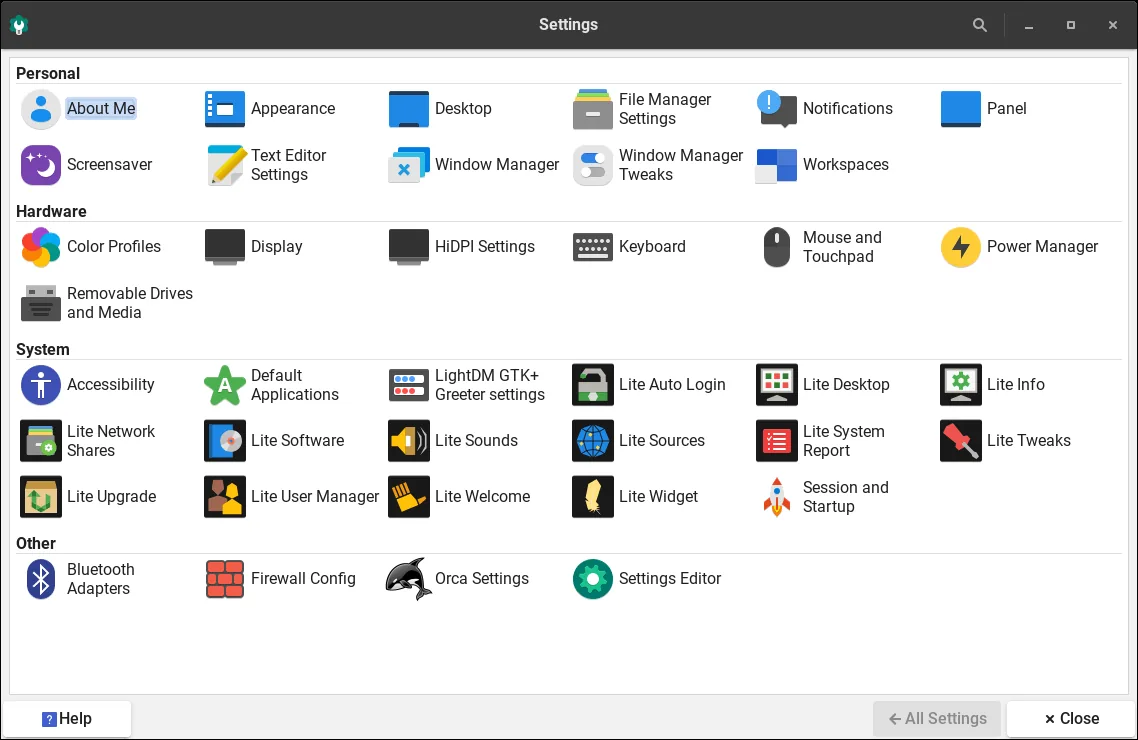
Linux Lite also ships the Lite tools — Welcome, Software, Updates, Tweaks, Driver Manager, Kernel Manager and the Game Center. Lubuntu has no equivalent. That is the core of the comparison: Lubuntu gives you a lighter base to build on; Linux Lite gives you a complete system ready to use.
Linux Lite leaves out Snap and Flatpak entirely, so applications start fast without duplicate runtimes.
Ease of Use for Beginners
This is where Linux Lite wins clearly, and every comparison says so.
On first boot, the Lite Welcome app walks you through updates, drivers and setup. The Help Manual sits on the desktop, and the Lite tools handle updates, drivers, software and tweaks with big friendly buttons.
Lubuntu has none of that. It is capable, but it expects you to know what you are doing. For a Windows user trying Linux for the first time, the Welcome app and the Lite tools are the difference between a system that helps you and one that leaves you alone.
The FOSSLinux comparison, the LinuxForDevices comparison and the Techilu comparison all reach the same verdict on this point. Techilu's verdict is organised by machine, and it is the clearest: for a first-time user on a 4 GB laptop, Linux Lite; for a 2 GB netbook, Lubuntu.
Gaming and Extras
Linux Lite 8.0 added the Lite Game Center, which installs Steam, Lutris, Proton and Wine in one click, and 8.2 added a gaming kernel tuned for low latency. Lubuntu has no equivalent. Linux Lite also has MyAI, a local AI assistant that runs entirely on your own machine and can be removed completely.
Neither decides the comparison alone, but they show the direction: Linux Lite keeps adding useful features out of the box, while Lubuntu stays lean and leaves extras to you.
Which Should You Choose?
Choose Linux Lite if your machine has 4 GB of RAM or more, if you are new to Linux, or if you want a complete system ready to use. The Welcome app, the Lite tools and the familiar desktop are worth the extra 150 MB, and on 4 GB you will never notice it.
Choose Lubuntu if your machine has 2 GB of RAM, if it is from 2009 to 2011, or if you already know Linux and want the lightest base you can get. On that hardware, Lubuntu's lightness is what makes the machine usable.
If you are still unsure, try both. Both are free, both run from a USB stick without installing, and an hour with each will tell you more than any comparison can.
FAQs
Which is lighter, Linux Lite or Lubuntu?
Lubuntu is lighter. It idles at around 480 MB of RAM, against Linux Lite's roughly 600 to 650 MB. Lubuntu is also comfortable on 2 GB of RAM and 20 GB of storage.
Which is better for beginners, Linux Lite or Lubuntu?
Linux Lite. It has the Lite Welcome app, the Help Manual, the Lite tools and a Windows-like desktop. Lubuntu expects more knowledge from the user.
Which is better for an old laptop with 2 GB of RAM?
Lubuntu. Linux Lite runs on 2 GB but feels tight with more than one program open. Lubuntu stays comfortable on 2 GB.
Do Linux Lite and Lubuntu use the same base?
Yes. Both are built on Ubuntu 26.04 LTS, so they share drivers, software repositories and long-term support. They differ in the desktop: Xfce for Linux Lite, LXQt for Lubuntu.
Does Lubuntu support Secure Boot?
Yes, Lubuntu supports Secure Boot. Linux Lite does not — Secure Boot must be switched off before installing Linux Lite.
Which has better software, Linux Lite or Lubuntu?
Linux Lite ships more out of the box, including the full LibreOffice suite and the Lite tools, and Firefox as a native package rather than a Snap. Lubuntu ships less and lets you add what you need.
Conclusion
Linux Lite vs Lubuntu is not a fight with a single winner. It is a choice between two good answers to the same question. Lubuntu is lighter — around 480 MB at idle, comfortable on 2 GB of RAM — and it is the right choice for the weakest machines and for users who know Linux already. Linux Lite is more complete — a familiar Xfce desktop, the Welcome app, the Lite tools, the Game Center and a full set of applications — and it is the right choice for beginners and for any machine with 4 GB of RAM. Pick by the machine first and by your experience second, and either way, the old laptop ends up fast and useful again.